
The holidays are a time for connection, celebration, and in many homes, new technology. Whether it’s a new laptop, gaming console, smart speaker, or smartwatch, those fresh devices bring joy—and risk. While you’re busy wrapping presents and planning gatherings, cybercriminals are gearing up for one of their busiest seasons of the year.
In this guide, we’ll break down the top threats people face during the holidays and give you clear, actionable steps to protect your family, devices, and digital life.
Why Cyber Threats Spike Over the Holidays
There are a few reasons attackers love this time of year:
1. Distraction + New Tech
Between travel plans and festive chaos, people are less cautious about security. New devices are often set up quickly, sometimes without basic protections.
2. Shopping Season
Online shopping peaks, and attackers ramp up spoofed stores, “too‑good‑to‑be‑true” deals, and fake order notifications designed to steal credentials or payment info.
3. Public Wi‑Fi Everywhere
Holiday travel = airports, cafes, hotels. Public Wi‑Fi is convenient—but often insecure.
As a result, phishing, malware, scams, and account takeovers increase dramatically during these months.
Top Holiday Cyber Threats You Should Know
1. Phony Delivery Notifications
Fake shipping texts or emails claim there’s a package problem and prompt you to click a link or enter credentials. These look surprisingly real.
What to do:
Never click links from unknown senders. When in doubt, open the shipping company’s site directly or check your delivery app.
2. Scammed Shopping Sites
Attackers clone legitimate online stores or create fake deals that steal card numbers.
What to do:
Shop only on reputable sites (check for HTTPS in the address bar). If a deal looks too cheap, it probably is.
3. Public Wi‑Fi Vulnerabilities
Any device connected to an open network can be probed or intercepted.
What to do:
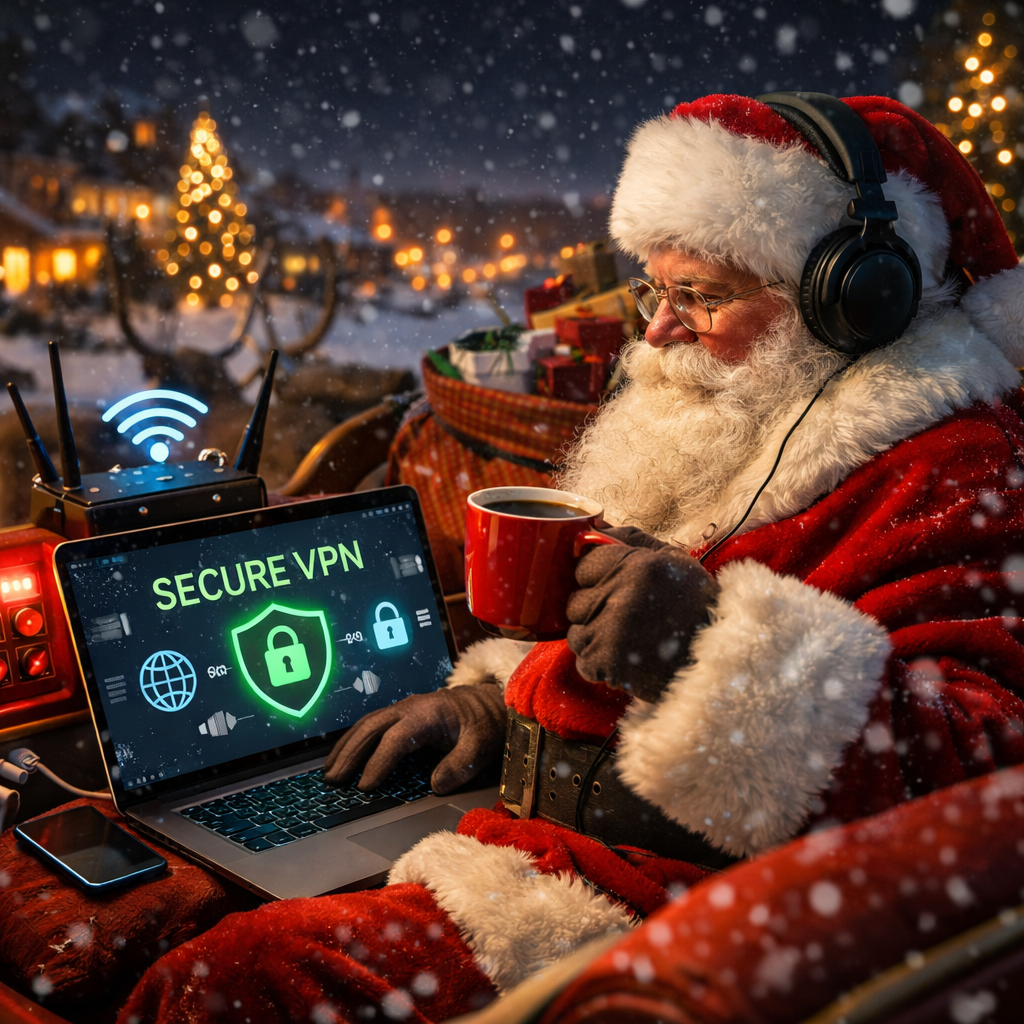
Use a VPN whenever you’re on public Wi‑Fi (especially travelers). If you don’t have one, treat public networks like they’re hostile.
4. Insecure New Devices
Smart home tech—like cameras, assistants, or toys—often ship with default usernames/passwords or outdated firmware.
What to do:
Change default credentials before connecting to your network. Update firmware immediately.
5. Social Media Oversharing
Holiday posts about travel plans or gifts can unintentionally share clues attackers use for social engineering.
What to do:
Delay posting travel photos. Avoid giving specific details about out‑of‑town plans or expensive gifts.
5 Practical Steps to Holiday‑Proof Your Digital Life
Here’s what you can start doing today:
1. Patch and Update Everything
Before you use new tech—or reconnect existing devices after a break—install all updates.
Why it matters: Updates fix known vulnerabilities attackers exploit.
Checklist:
- Operating systems (Windows, macOS, iOS/Android)
- Routers and smart devices
- Games and entertainment consoles
- Antivirus or endpoint protections
2. Strengthen Your Passwords
Weak passwords are still one of the most common ways accounts get breached.
Best practices:
- Use a password manager
- Create long, unique passwords for each account
- Enable two‑factor authentication (2FA) everywhere possible
3. Secure Your Home Wi‑Fi
Your home network is the gateway to all your connected devices.
Steps:
- Change the default SSID and router admin password
- Use WPA2 or WPA3 encryption
- Hide SSID if possible
- Set up a separate guest network for visitors
4. Educate Your Family
Kids and teens use tech instinctively—but not always safely.
Topics to cover:
- Don’t click suspicious links
- How to identify phishing messages
- Why public Wi‑Fi isn’t safe without a VPN
Simple conversations now can prevent stressful account recovery later.
5. Shop Smart
Holiday shopping is a favorite time for fraud.
Safety tips:
- Use credit cards instead of debit cards (extra protections)
- Shop directly through trusted brands
- Avoid ad‑based links on social media
Holiday Travel? Don’t Leave Security Behind
If you’re traveling this season:
Before you go:
- Back up your devices
- Install a VPN
- Turn on device encryption
- Remove saved passwords on devices you won’t carry
While you’re away:
- Avoid logging into banking or sensitive accounts on public Wi‑Fi
- Use mobile hotspots instead of open networks when possible
- Enable remote wipe in case a device is lost or stolen
Kids + New Devices: A Special Note
From tablets to gaming consoles, kids are likely to get new tech. These devices are gateways—not just for fun, but potentially for risk.
What to do before first use:
- Change all default passwords
- Update firmware and software
- Enable parental controls
- Connect under the main home Wi‑Fi (not open guest networks)
Real Examples: Holiday Scams That’ve Been Seen in the Wild
To help make this concrete, here are a few real threats people reported:
Example 1: A text claims your parcel is “on hold” due to a fee. The included link takes you to a fake login page asking for your email and password.
Why it worked: The message looked like a legitimate delivery alert, and the timing—during peak package season—made it seem urgent.
Example 2: A “holiday sale” website advertised deeply discounted electronics. Orders were taken and payments processed…but nothing was delivered.
Why it worked: The design mimicked a well‑known retailer and used professional product photos.
If something feels urgent, unusual, or pressures you to act quickly—pause before you click.
Your Business IT Doesn’t Take a Holiday—And Neither Do We
For businesses, holiday downtime often means less monitoring and slower response to threats. But attackers don’t clock out.
At CasCom, we help ensure your IT support and cybersecurity protections stay active—even when your team’s on break. Whether it’s patch management, threat monitoring, secure backups, or endpoint protection, we’ve built defenses that work year‑round.
Thinking about a year‑end checkup? A quick review now could save you time, stress, and cost in the new year.
Holiday Security Checklist (Quick Version)
Before you celebrate:
- Update all devices and firmware
- Change default passwords
- Enable 2FA everywhere possible
- Secure home Wi‑Fi and create a guest network
- Use a VPN on public Wi‑Fi
- Teach family members to spot scams
- Shop only on trusted sites
Final Thought
The holidays should be about people—not passwords. With a little preparation, you can enjoy time with family and friends without giving cybercriminals an opening.
If you’d like help securing new devices or your home network, or want a quick IT review before the year wraps up, we’re here to help.
Read more insights or get in touch at:
https://cascom.ca