What is Email Forwarding?
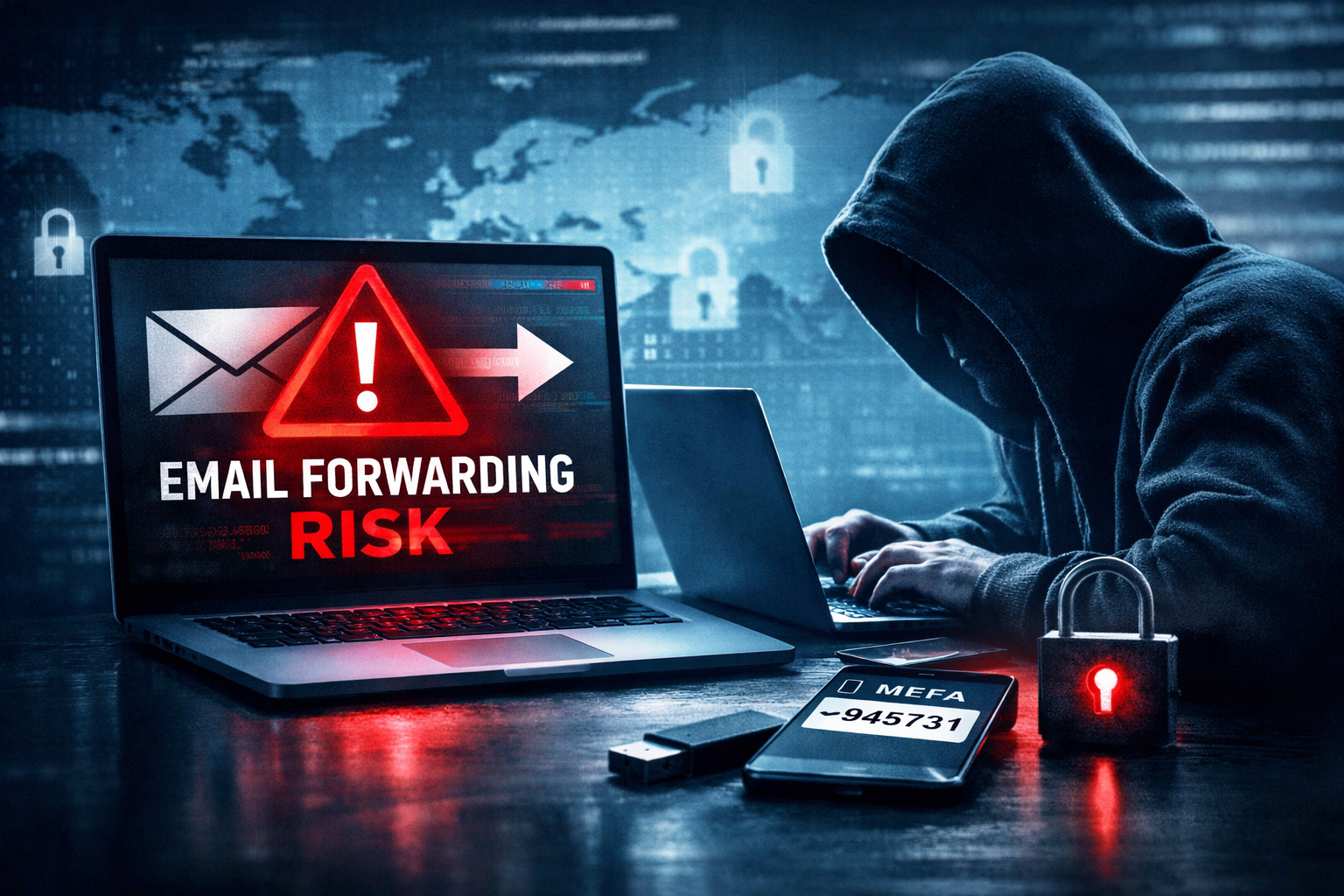
Email forwarding routes incoming messages from one account to another. On the surface, it’s simple: messages sent to one inbox automatically appear in another.
That convenience is exactly what makes it risky.
When Email Forwarding Makes Sense
There are limited, controlled use cases:
- Combining shared inboxes (info@, admin@) into one internal account
- Internal routing within the same organization
These scenarios stay inside your environment—where you still have visibility and control.
When Email Forwarding Becomes a Problem
The risk starts when messages are forwarded outside your organization.
Example:
kevin@company.com → kevin@gmail.com
At that point, you’ve effectively created an unmonitored data pipeline.
Why External Email Forwarding Is a Security Risk
Industry frameworks like CIS Critical Security Controls (v8) and NIST 800-53 emphasize controlling data flow, monitoring accounts, and preventing unauthorized data exfiltration.
Auto-forwarding works directly against those principles.
Here’s how attackers use it:
1. Silent Data Theft
Once forwarding is enabled, every email—financial records, legal documents, client data—can be copied outside your organization automatically.
No alerts. No friction.
2. Account Takeover Becomes Easier
Attackers can receive:
- Password reset emails
- Multi-factor authentication codes
- Internal system notifications
This allows them to impersonate legitimate staff and move deeper into your systems.
3. Persistent Access (Even After Password Resets)
Even if you secure the account, the forwarding rule can remain active.
That means the attacker continues receiving sensitive emails without logging in again.
This is a common persistence technique seen in real-world Microsoft 365 breaches.
4. Internal Attacks Become Easier
With visibility into internal communications, attackers can:
- Launch targeted phishing campaigns
- Hijack conversations
- Trick vendors or clients into fraudulent payments
Now the threat is coming from inside your organization.
5. You Lose Visibility and Auditability
Security teams rely on monitoring tools to detect threats.
Forwarded emails bypass that visibility.
That directly impacts your ability to:
- Investigate incidents
- Meet compliance requirements
- Respond quickly to breaches
There Are Also Hidden Operational Risks
Beyond security, forwarding can break your email system:
- Messages marked as spam can damage your domain reputation
- Legitimate emails can fail authentication (SPF/DKIM issues)
- Your server can be flagged or blacklisted
- Replies may appear to come from personal accounts, hurting credibility
This isn’t just a security issue—it’s a reliability and brand issue.
Why Best Practice Is to Disable It
Because of these risks, many organizations—and government-backed guidance like the Canadian Centre for Cyber Security—recommend disabling automatic external forwarding by default.
This aligns with:
- CIS Control 6 (Access Control Management)
- CIS Control 13 (Network Monitoring & Defense)
- NIST 800-53 (AC, SI, and AU families)
The principle is simple:
If you can’t monitor it, you shouldn’t allow it.
What Happens When It’s Disabled
Organizations that block forwarding typically see:
- Forwarding rules still appear to work—but emails are quietly blocked
- Users may receive a non-delivery message
- Internal forwarding still functions normally
This is expected—and intentional.
Are There Exceptions?
Yes—but they should be rare, reviewed, and documented:
- Vendor integrations
- Shared service workflows
- Legal or regulatory requirements
These should always go through a formal approval process with security oversight.
What Should You Do Instead?
If the goal is convenience, there’s a better way:
Use your email client to centralize accounts instead of forwarding them.
Modern tools (Outlook, mobile apps, etc.) allow you to:
- Access multiple inboxes in one place
- Send and receive from each account directly
- Keep all data inside managed, secure systems
You get the same convenience—without the risk.
The Bottom Line
Auto-forwarding feels harmless. In reality, it creates a blind spot that attackers actively exploit.
Disabling it isn’t restrictive—it’s a baseline control.
If your organization allows external forwarding today, the better question isn’t “why block it?”
It’s: why hasn’t it been blocked already?
Not Sure If This Is Enabled in Your Organization?
Most companies don’t realize email auto-forwarding is active until after a security incident.
It’s a simple setting—but it creates a major blind spot.
If you want to know whether your organization is exposed, we can help you check and walk you through what to do next.
Start the conversation here:
https://cascom.ca/contact-us/
No pressure. Just a clear answer on where you stand.